Transfer booking management software
Bring direct bookings and connected booking channels into the same operational view. Your team can search, filter, edit and cancel transfers without switching between separate booking lists.
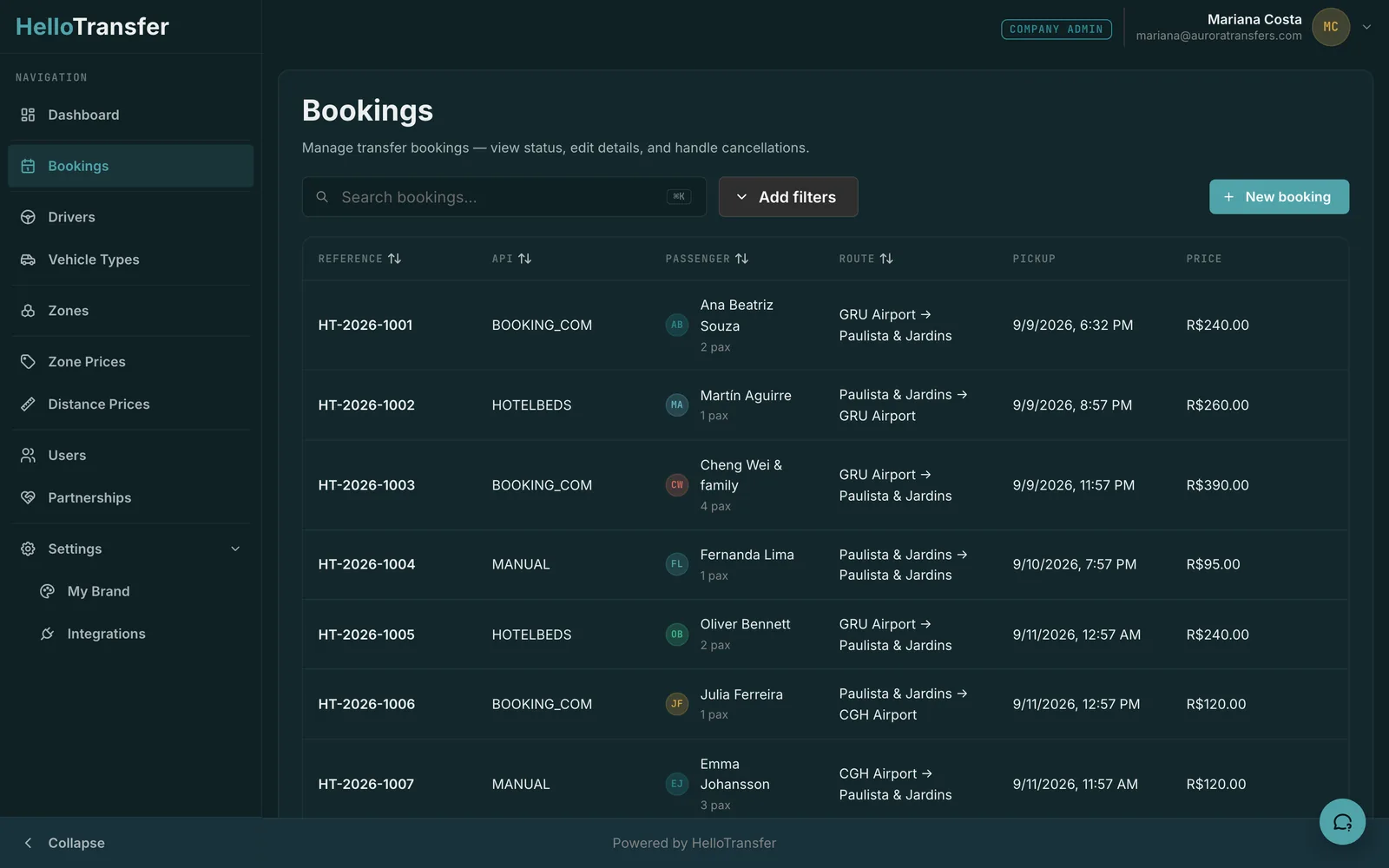
One list for different transfer types
Manage arrivals, departures and point-to-point journeys together. Each booking carries the route, pickup time, flight number and passenger count, so the team can review the details needed to organise the transfer.
Keep channel bookings in the same workflow
Bookings from a connected Booking.com channel arrive alongside bookings entered by your team, with your configured prices applied. Search and filter the list to find a booking, then open it to review or update its details.
Work with agencies and transfer partners
Agencies send bookings to partner transfer companies, and transfer companies can receive work from several agencies. Both sides can see the accept or reject status. Partner-specific prices and costs let you track the margin on each booking.